How it works
One private family, on one shared table.
Download the app and start a family yourself, or open an invite. Kinello is not a fitness app with a family feature. It is a family app whose front page is everyone's steps — next to the photos, the plans and the poll.
01
You start a family
Anyone 13 or older can create the family. That family is the whole world of the app. There is no public directory, no stranger feed, and no profile for people outside the people you invite.
02
You invite the people in it
After the family exists, joining takes a private link. The people who accept it are who can see the shared board, the lists, the photos and the messages. Invitation only means exactly that.
03
Steps stay off until you choose
Kinello reads a daily step total from Apple Health or Health Connect only after you turn sharing on. Raw samples, routes and workouts stay on the phone. Turn sharing off and your totals leave the board.
04
The rest of the week lives beside it
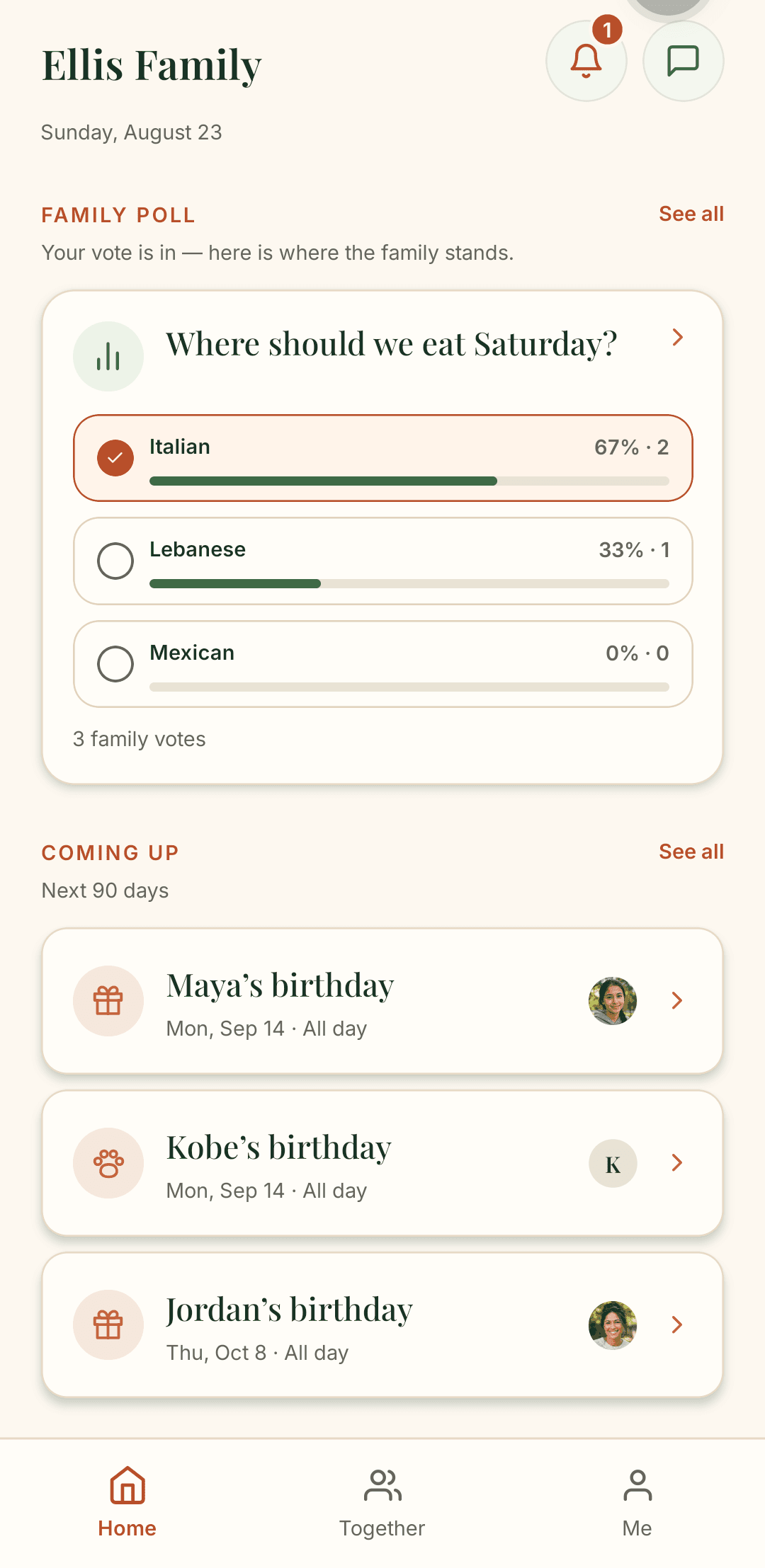
Memories with the place and the people in them. Family polls, one shared message thread, time capsules, celebrations, and where everyone is in the world. No personal goals, no streaks, no solo charts. Your phone already has that app.
Explore family step tracking and the private family app.
Get Kinello
Ready when the family is.
Anyone can start a family. After that it is invitation only.