Family plans
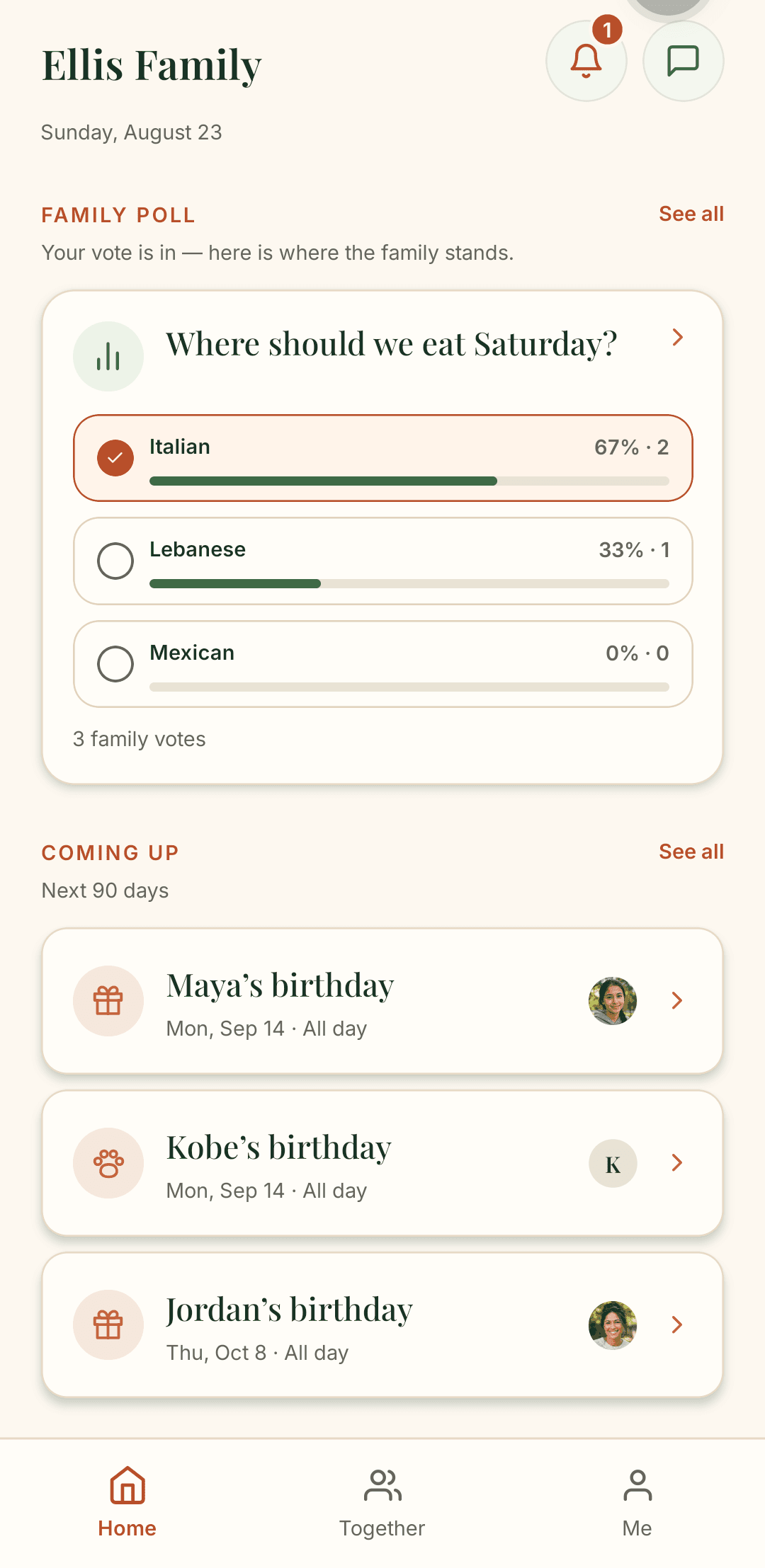
Pick dinner together and keep upcoming birthdays in sight.

A private family app
A private place for your family's daily steps, photos, plans and messages—even when you live apart.
Pick dinner together and keep upcoming birthdays in sight.
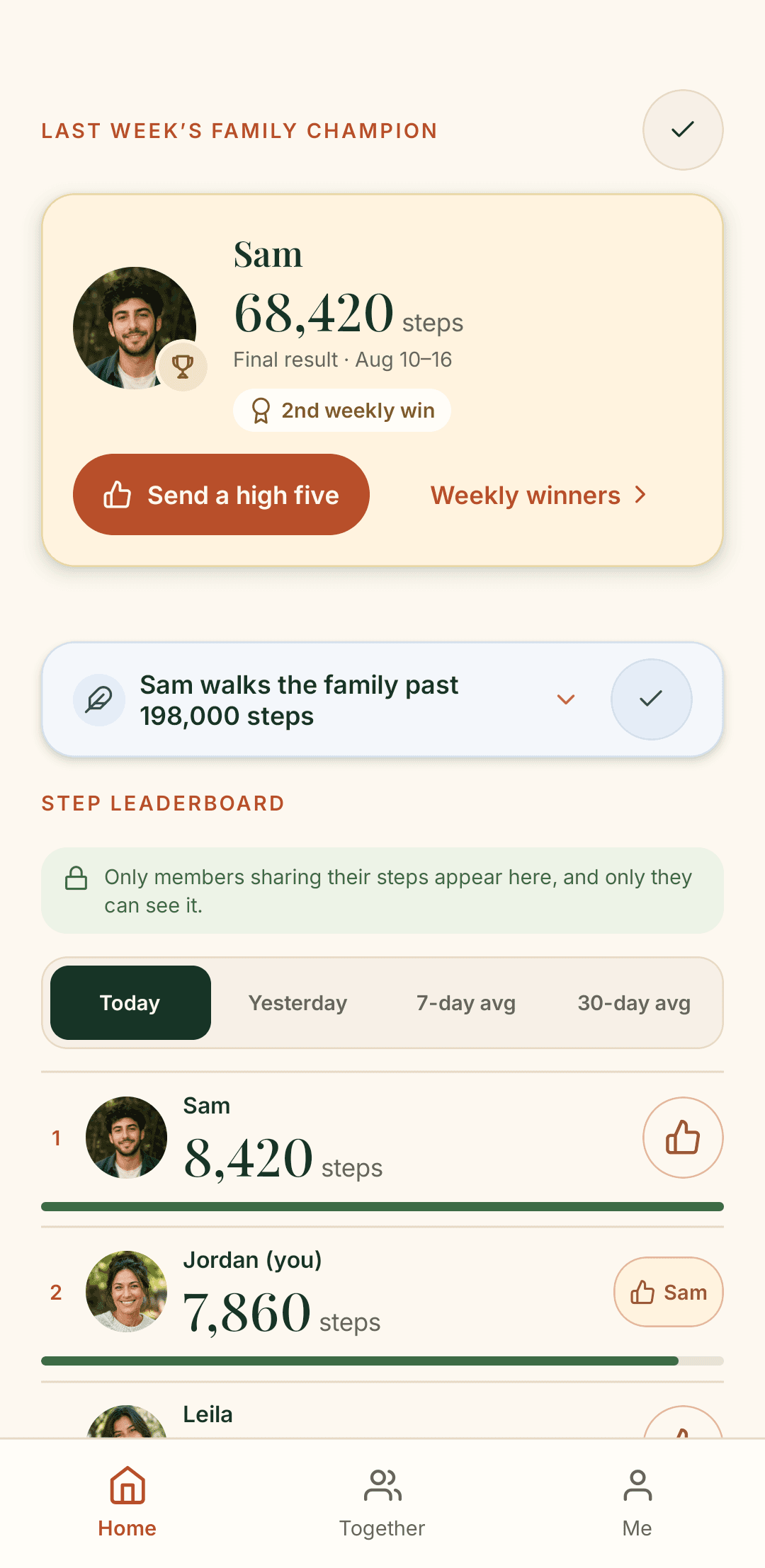
Friendly step counts, just for your family.
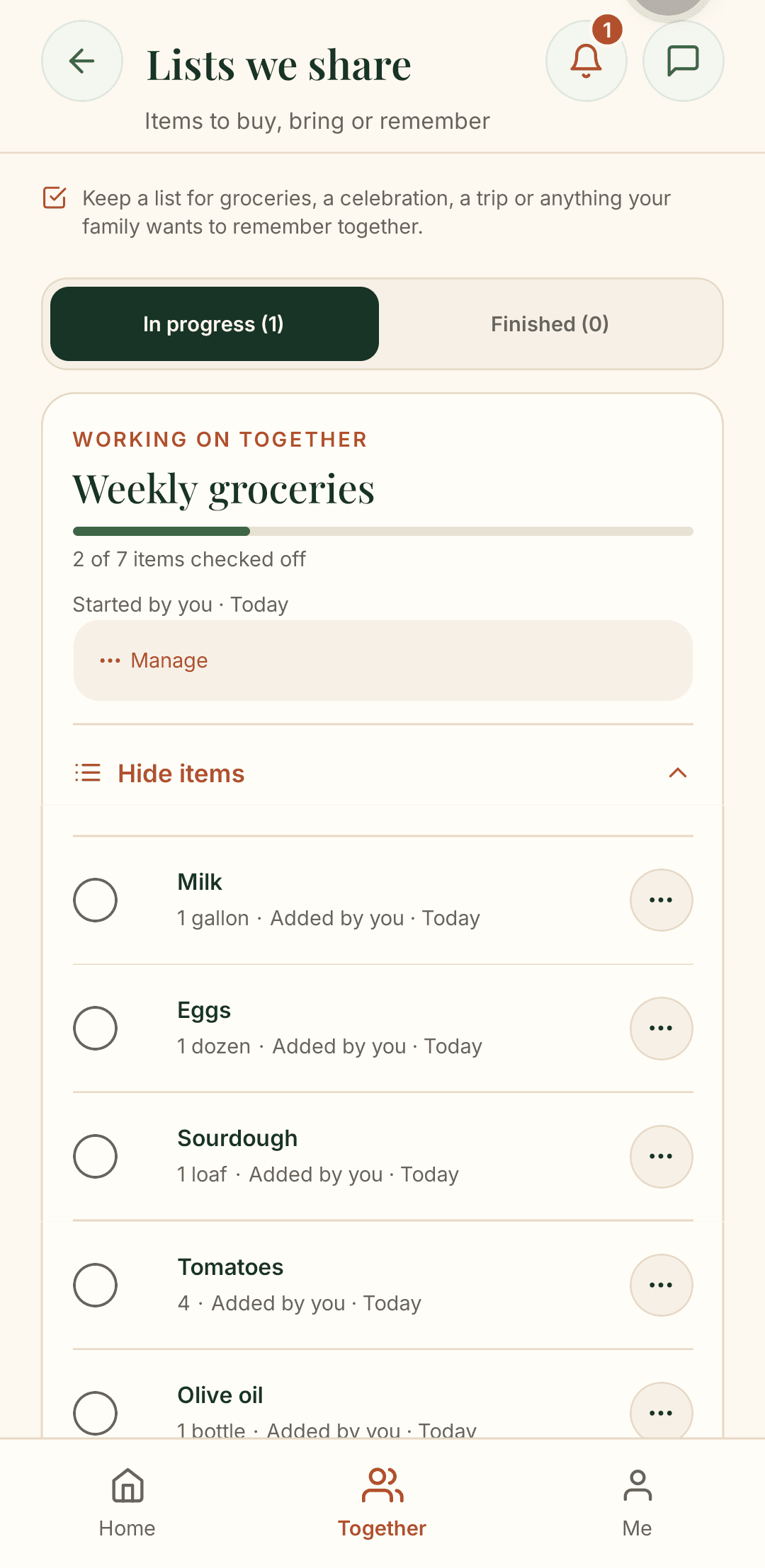
One grocery list everyone can add to and tick off.
Inside the family
How it works
You create the family. Kinello is built for one private group, not a public network.
There are no public profiles to find. Someone in the family sends a link, and that is how you join.
Sharing is off until you turn it on. The photos, plans and celebrations are there either way.
Most step apps are you against yourself. Kinello is the walk your family took today, on the same table as the photos and the poll.
Before you bring the family
Yes. Kinello is available on Google Play and the App Store. Create one family and invite everyone with a private link, whether they use Android or iPhone.
No smartwatch is required. On Android, Kinello reads your daily total from Health Connect, so a compatible phone or fitness app needs to record steps there first. Sharing is optional; you can use the rest of Kinello without it.
You can download Kinello and create a family yourself. To join a family that already exists, ask someone in it for their private invite link. There is no public family directory.
Login accounts are for ages 13 and up. An adult can add a younger child to the family tree without creating a login for them.
A little something for your family
Start a conversation with free question cards, put names on a family tree, or plan your next visit with our reunion planner. Use all ten free tools online or print them at home. Our family guides help you take the next small step together.
Get Kinello
Anyone can start a family. After that, you send a link to the people in it.
Need a hand getting the family started? We can help.